Updated August 2026.
UTM parameters are small tags you add to a link so your analytics knows exactly where a visitor came from. Without them, traffic from your newsletter, an Instagram bio link and a paid post can all look the same in GA4. Add UTMs and each source shows up clearly, so you can tell what is actually driving results. They are simple to use once you understand the five tags, and they make your reporting far more accurate. This guide explains them fully.
It pairs with our GA4 conversion tracking guide and our attribution models post. Analytics is a core module in our course syllabus.
TL;DR
- UTM parameters are tags added to a link so analytics knows where a visitor came from.
- The three essential ones are source, medium and campaign; two optional ones are term and content.
- Build tagged links with a Campaign URL Builder, and use consistent, lowercase naming.
- Tagged links show up cleanly in GA4's traffic reports, so you can compare sources.
- Use them for anything you share where the source is not obvious: emails, social posts, ads.
What are UTM parameters?
UTM parameters are small pieces of text you add to the end of a link so your analytics knows exactly where a click came from. They look like a tail on a URL, starting with a question mark, and they carry information such as the source and campaign. When someone clicks a tagged link and lands on your site, GA4 reads those tags and files the visit under the right source. Without them, different links can blur together into vague buckets like direct or referral, and you lose the ability to tell what worked.
The five UTM parameters
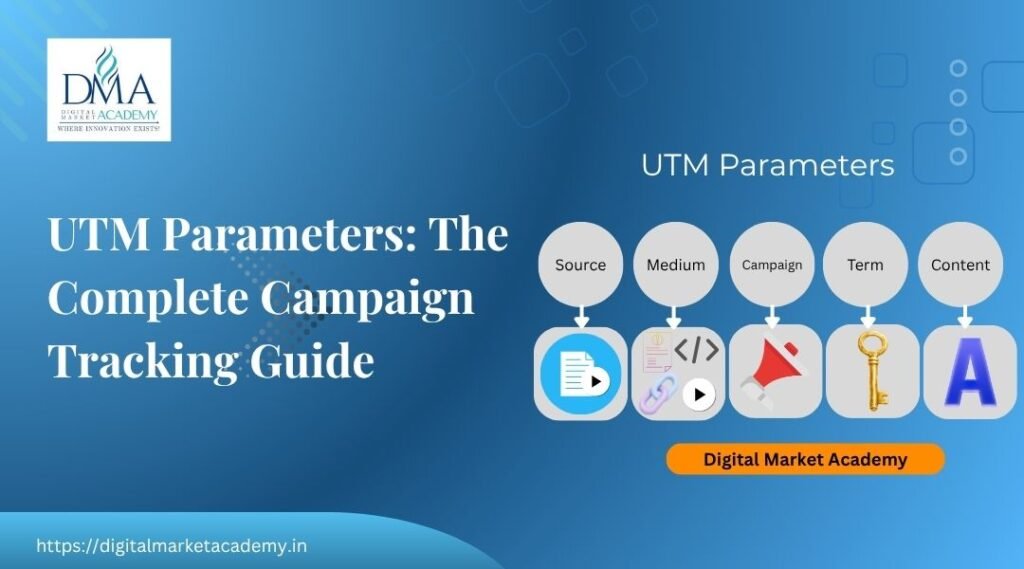
There are five UTM parameters, three essential and two optional. Once you know them, tagging links is straightforward:
- utm_source (essential): where the traffic comes from, such as newsletter, instagram or google.
- utm_medium (essential): the type of channel, such as email, social or cpc.
- utm_campaign (essential): the specific campaign name, such as diwali_sale.
- utm_term (optional): often used for paid keywords.
- utm_content (optional): to tell apart two links in the same campaign, like two different buttons.
A tagged link simply adds these to your normal URL, so a newsletter link might carry source newsletter, medium email and campaign diwali_sale.
How to build tagged links
You do not write UTMs by hand. Use a Campaign URL Builder, where you enter your link and the values for each parameter, and it produces the tagged URL for you. This avoids typos that would break your tracking. For long links, shorten the finished URL before sharing if you like. The key discipline is to build every important link this way, so nothing you share arrives in GA4 as a mystery.
Keep your naming consistent
The single most common UTM mistake is inconsistent naming, and it quietly ruins reports. Analytics treats Email, email and E-mail as three different mediums, so mixed spellings split what should be one channel into several. Agree on a simple convention, usually all lowercase, no spaces, and stick to it every time. Consistent naming is what keeps your data clean enough to actually compare sources, which is the whole point of using UTMs.
How UTMs show up in GA4
Once people click your tagged links, the data appears in GA4's traffic acquisition reports, broken down by source, medium and campaign. Now you can see, clearly, that your Diwali email drove a certain number of visits and conversions, separate from your Instagram posts and your ads. Combined with conversion tracking, this lets you compare not just traffic but results by source, which is what turns reporting into real decisions.
When should you use UTMs?
Use UTM parameters whenever you share a link and the source would otherwise be unclear. Common cases include email campaigns, social media posts, paid ads (though ad platforms often auto-tag), partner and influencer links, and offline campaigns where you use a short tagged URL or QR code. You do not need UTMs on internal links within your own site, which can actually cause problems. The rule of thumb: tag external links you want to measure, and keep the naming consistent.
A simple UTM naming convention
Consistency is everything, so decide your rules once and write them down. A simple convention that works for most teams:
- Always lowercase, with no spaces (use underscores or hyphens), so email and Email never split.
- Source is the specific place: newsletter, instagram, justdial.
- Medium is the channel type: email, social, cpc, referral.
- Campaign names a specific push clearly: diwali_sale_2026, not just sale.
Keep a shared sheet of your standard values so everyone on the team tags links the same way. This tiny bit of discipline is the difference between clean reports you can trust and a messy jumble where the same channel appears under five different spellings. It takes five minutes to agree and saves hours of confused reporting later. If more than one person tags links, that shared sheet is not optional, because a single stray capital letter or extra space is enough to fragment a channel across your whole report.
Learn analytics and campaign tracking hands-on
UTMs click when you tag a real campaign and watch the sources appear cleanly in GA4. At Digital Market Academy in Bangalore you learn analytics and campaign tracking hands-on within the analytics module, in small batches with live projects and founder-led teaching by Rajesh Menon. See the course syllabus, our classroom courses, or the main training page. Google's own help lives at Google Analytics Help.
A1. They are small tags added to the end of a link so your analytics can tell exactly where a click came from, such as a specific email, social post or ad. GA4 reads them and files the visit under the right source.
A2. Three essential ones, source (where), medium (channel type) and campaign (campaign name), plus two optional ones, term (often paid keywords) and content (to tell apart links in the same campaign).
A3. Use a Campaign URL Builder: enter your link and the values for each parameter, and it generates the tagged URL. This avoids typos that would break your tracking.
A4. Analytics treats different spellings and cases as separate, so Email and email would appear as two mediums. Agree on a simple lowercase convention and stick to it, so your data stays clean and comparable.
A5. In the traffic acquisition reports, broken down by source, medium and campaign. Combined with conversion tracking, you can compare not just traffic but results by source.
A6. Do not use them on internal links within your own site, which can cause tracking problems. Use them for external links you want to measure, such as emails, social posts, ads and partner links.
In short
UTM parameters are simple tags that tell your analytics exactly where a visitor came from, turning vague traffic into clear, comparable sources. Learn the five UTMs, build tagged links with a URL builder, keep your naming consistent, and use them on external links you want to measure. Combined with conversion tracking, they let you see which sources actually drive results. Want to learn analytics hands-on? Start with the course syllabus at Digital Market Academy, Bangalore.

Rajesh Menon is a digital marketing trainer and strategist based in Bangalore, with over 15 years of experience in SEO, paid advertising, and digital growth planning. As the Founder and CEO of Digital Market Academy, he combines hands-on execution with long-term strategy, and is known for turning complex marketing ideas into skills his students can actually apply.
At the academy’s Kasturinagar centre, he leads classroom training programmes and digital marketing bootcamps, and mentors undergraduate and postgraduate students through on-campus sessions. He also delivers corporate and government digital marketing training, including digital skilling programmes for central government organisations such as India Post, along with digital enablement workshops for MSMEs and startups, a client list that continues to grow.
He writes regularly on the Digital Market Academy blog, breaking down real strategies, tools, and case studies for learners and business owners across India.